This article is no longer updated.
Please go to our new Intercom knowledge base to ensure you're seeing the most recent version.
The link above takes you directly to the equivalent article on Intercom.
Recommended procedure for Creative Kids Vouchers is as follows:
- Apply the voucher as a payment against the invoice, with the ‘Method’ field set to ‘Creative Kids Voucher’ or an alternative.
- In the ‘Notes’ field record the voucher number.
- In the Line Items Tab, set the student in the ‘Student’ field.
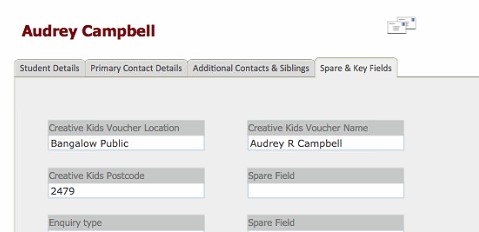
- Navigate to the Spare & Key Fields Tab in the student’s record in the Students File, and record additional required details.