
This article is no longer updated.
Please go to our new Intercom knowledge base to ensure you're seeing the most recent version.
The link above takes you directly to the equivalent article on Intercom.
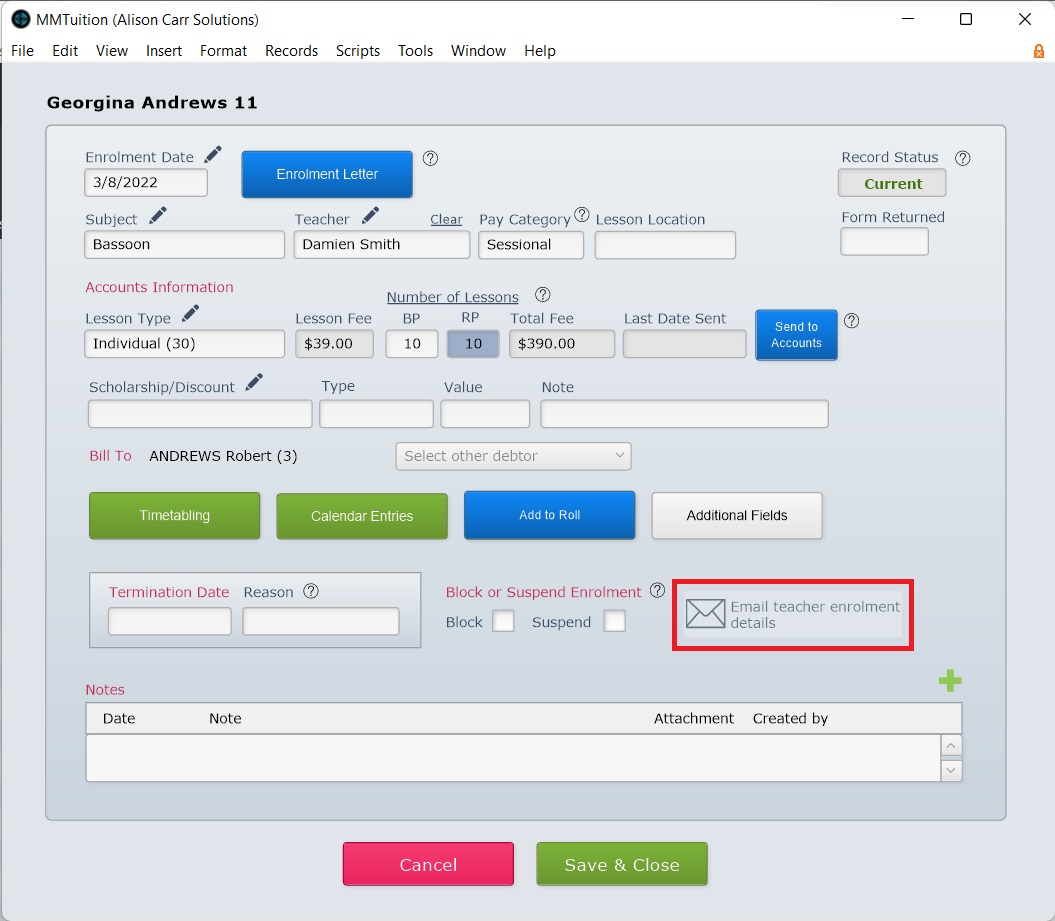
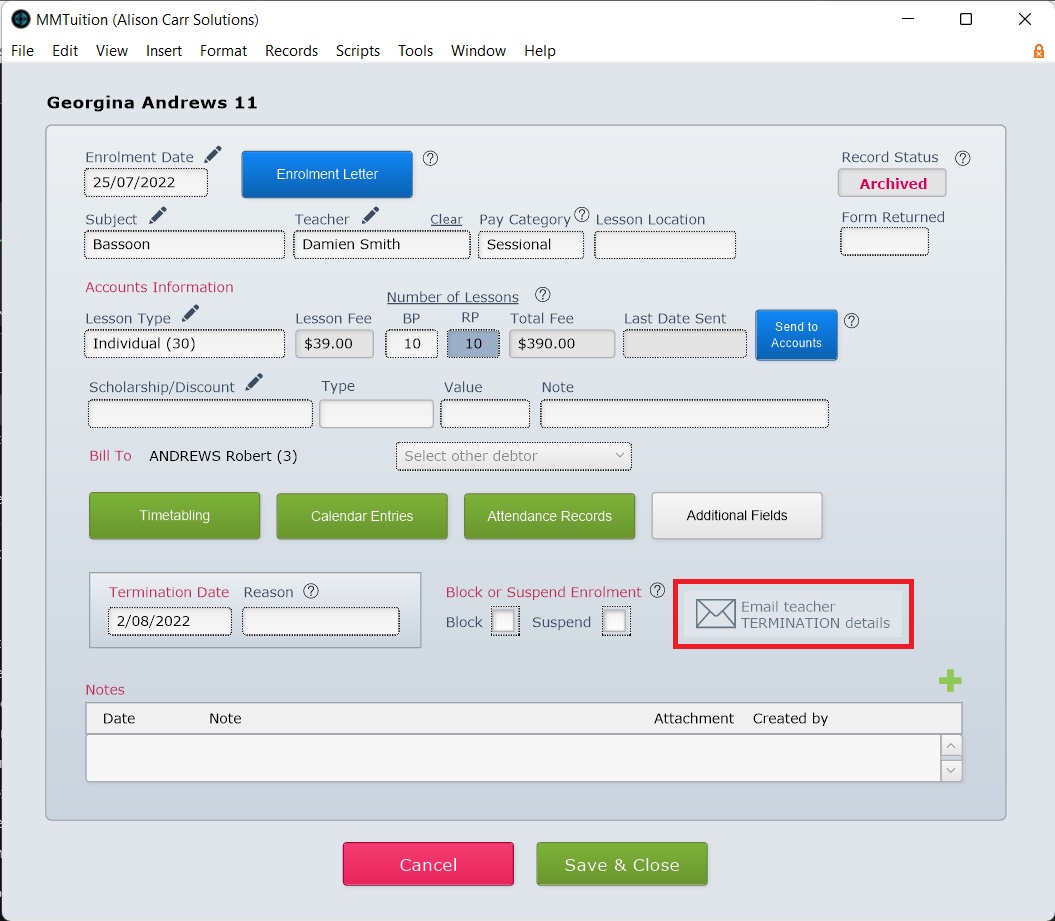
When enrolling or terminating/finishing a student's tuition or ensemble enrolment, details can be quickly emailed to the teacher using the Email button in Tuition Form View or Ensemble Enrolment Form View.
For enrolment details this button is visible once sufficient details have been entered.
For termination details the button is visible after Termination Date or Finish Date has been entered.
*New in 2025!* Blocked/Suspended Details
From v9.252, you can set up a template for emailing teachers the information about a student whose enrolment has been blocked or suspended.
