
This article is no longer updated.
Please go to our new Intercom knowledge base to ensure you're seeing the most recent version.
The link above takes you directly to the equivalent article on Intercom.
In version 9 this has become much simpler.
- Go to Home > People > Staff.
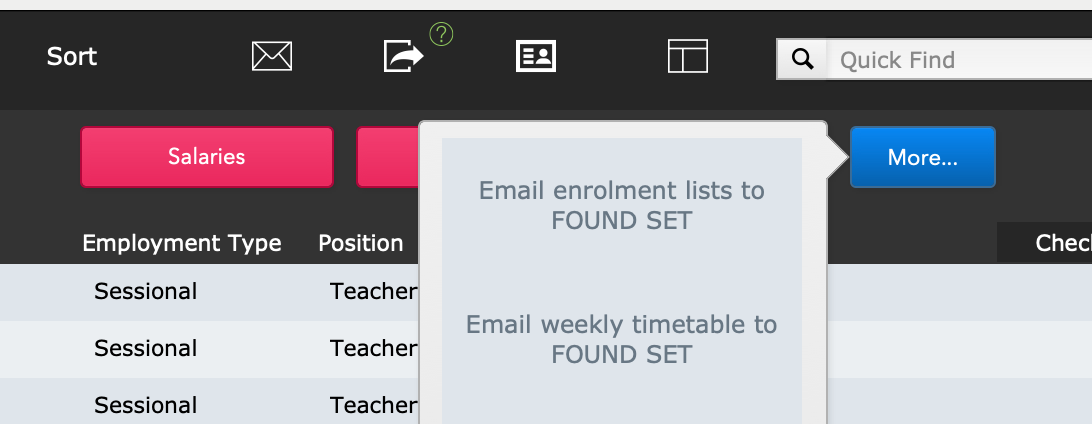
- Go to More... > Email weekly timetable to FOUND SET
- Select the Monday date of the week you wish to send the timetable for.
- The email template will appear, showing the body text that was last used. Edit as required.
- Select Continue, and each teacher's timetable will be added as an attachment to the email as it is generated.