
This article is no longer updated.
Please go to our new Intercom knowledge base to ensure you're seeing the most recent version.
The link above takes you directly to the equivalent article on Intercom.
Instruments should be archived when broken, lost, stolen, missing or permanently unavailable for some other reason. To do so, set Item Status to "Archived".
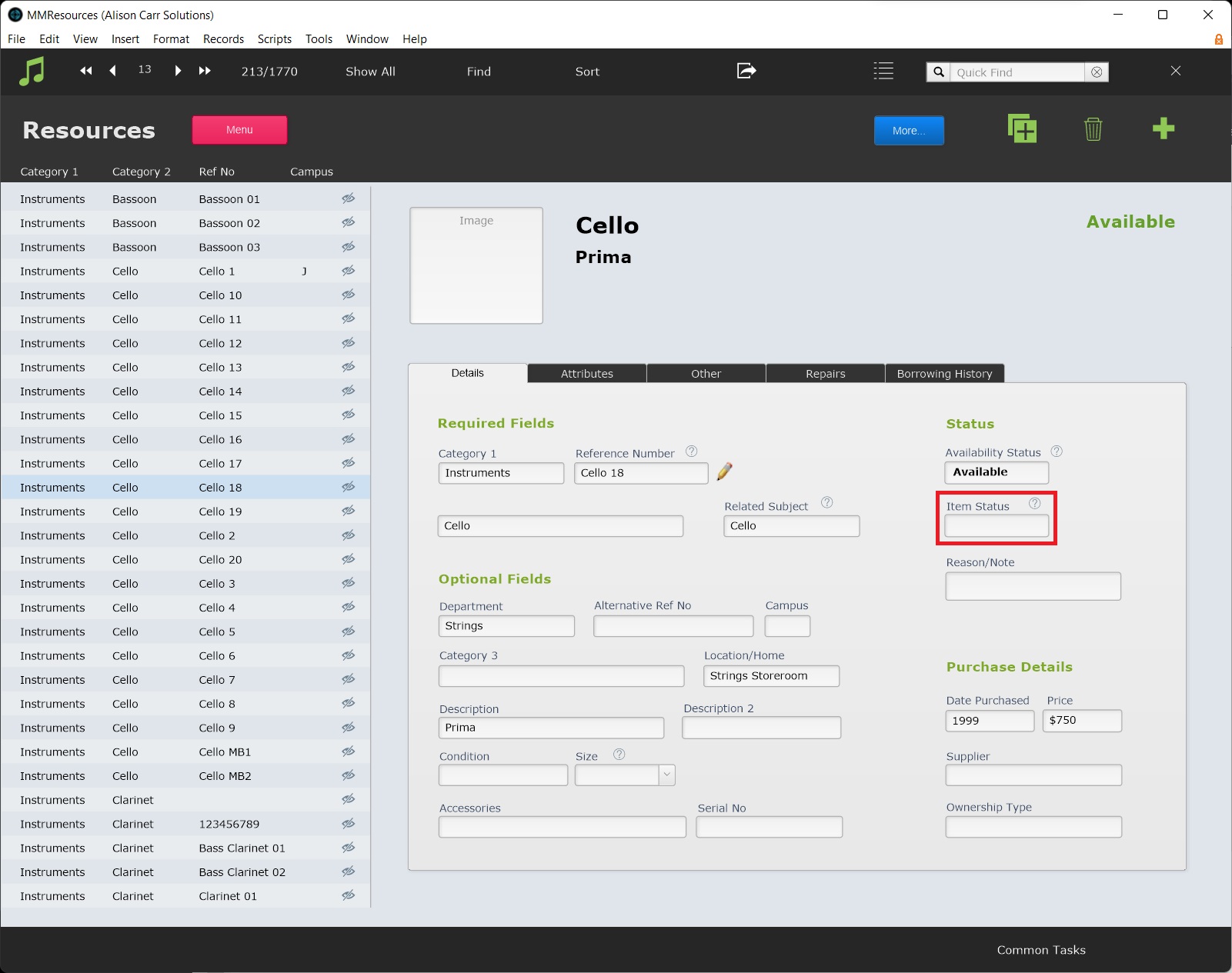
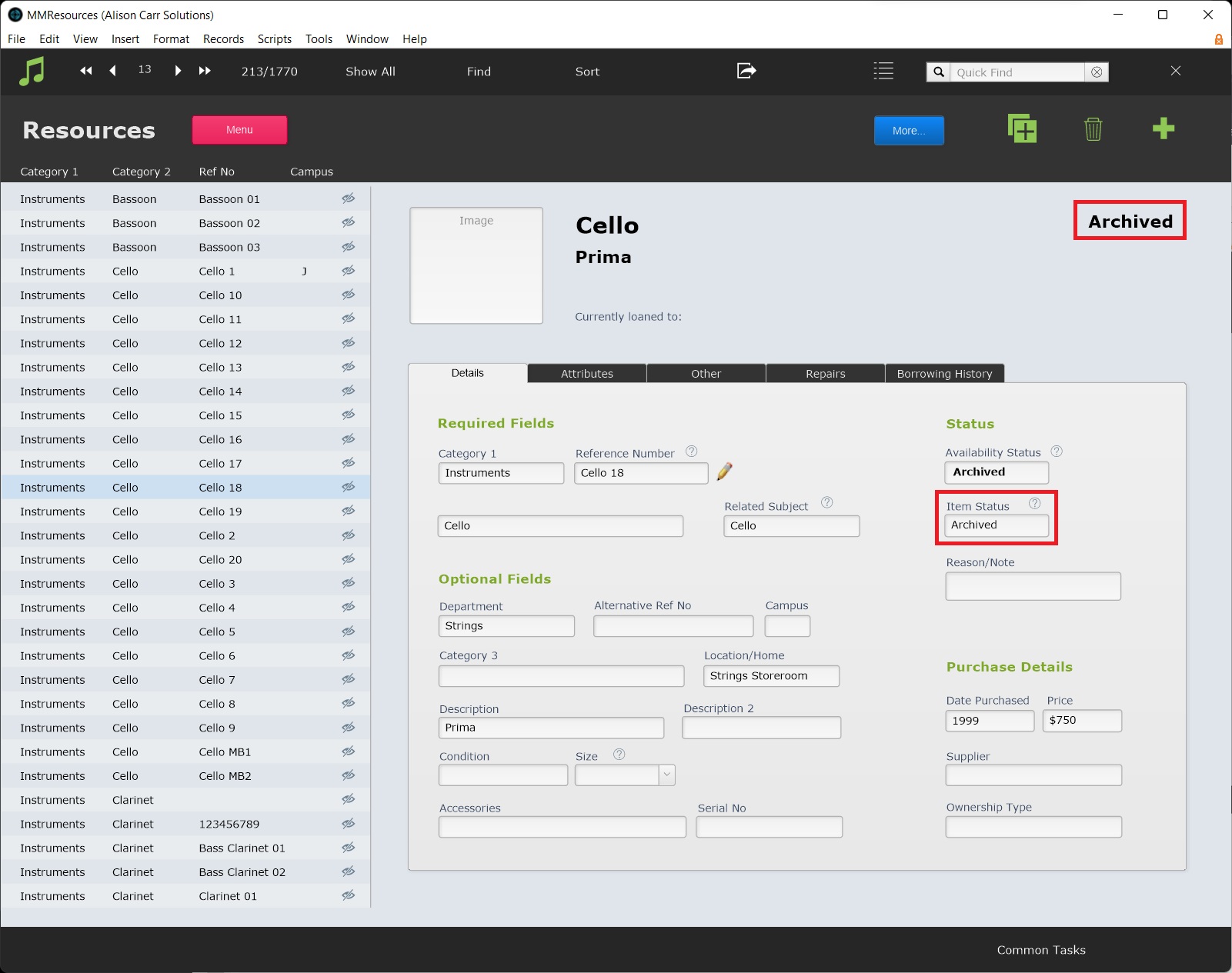
When Item Status is set to 'Archived', Availability will automatically set to ‘Archived’.
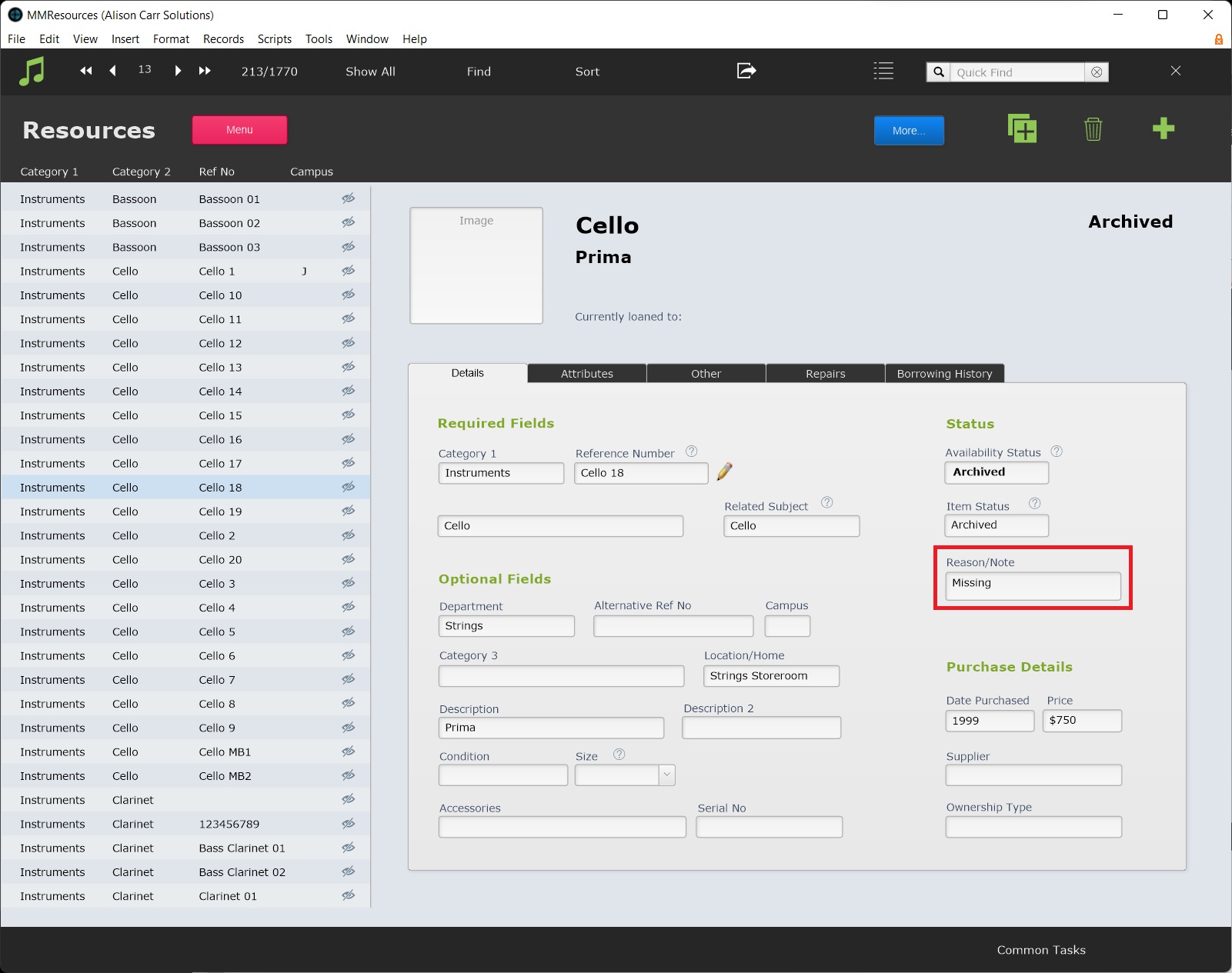
It is recommended to add a note in Reason/Note field to record the reason for archiving the instrument. Broad selections such as "Broken" or "Missing" work best for search and statistics purposes.
NOTE: As of March 2025 (version 9.234), archived instruments are ignored in the Stocktake reports.